Local timetabling for university departments

Complex Schedule?
Clarify your view

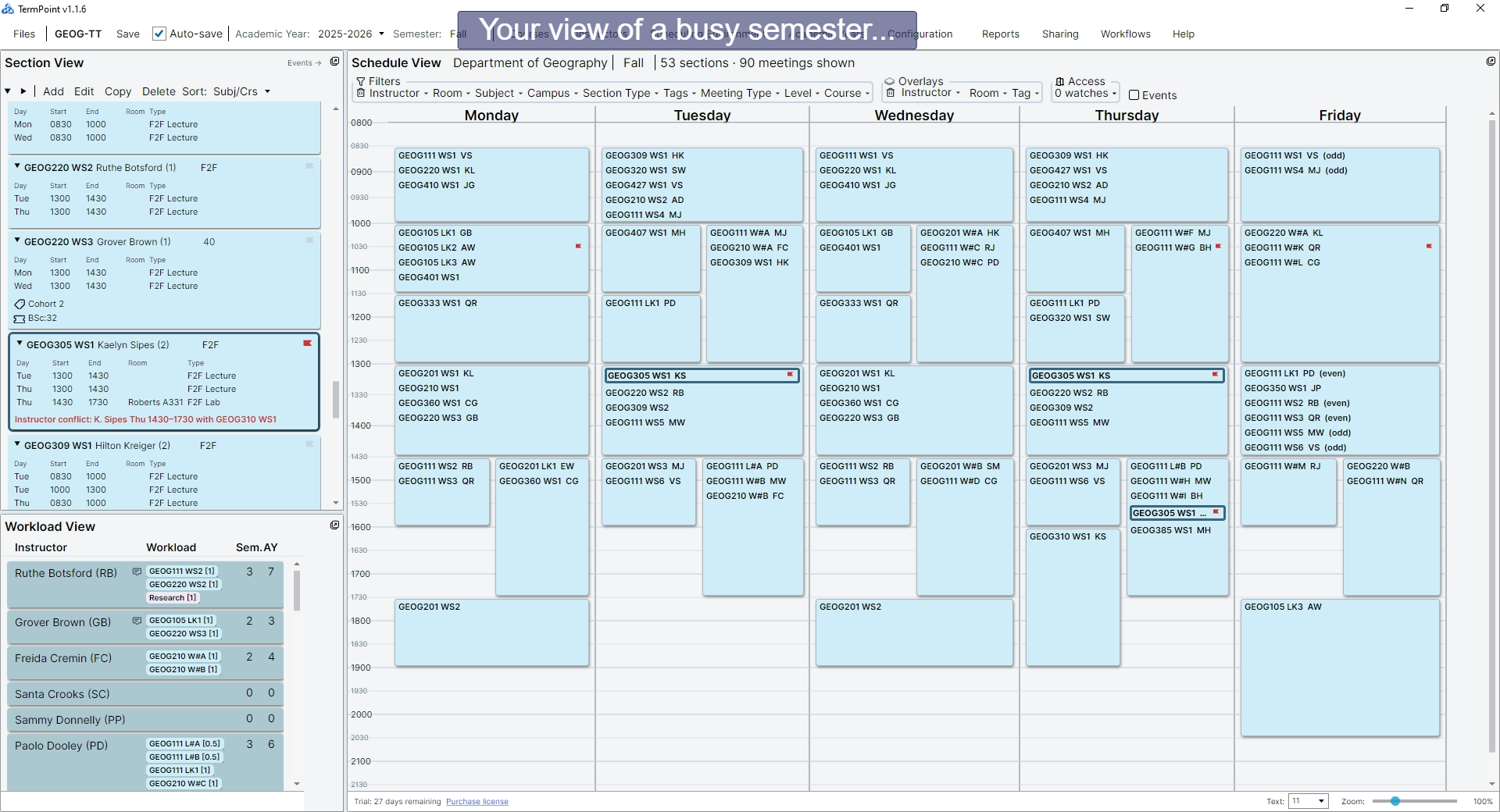
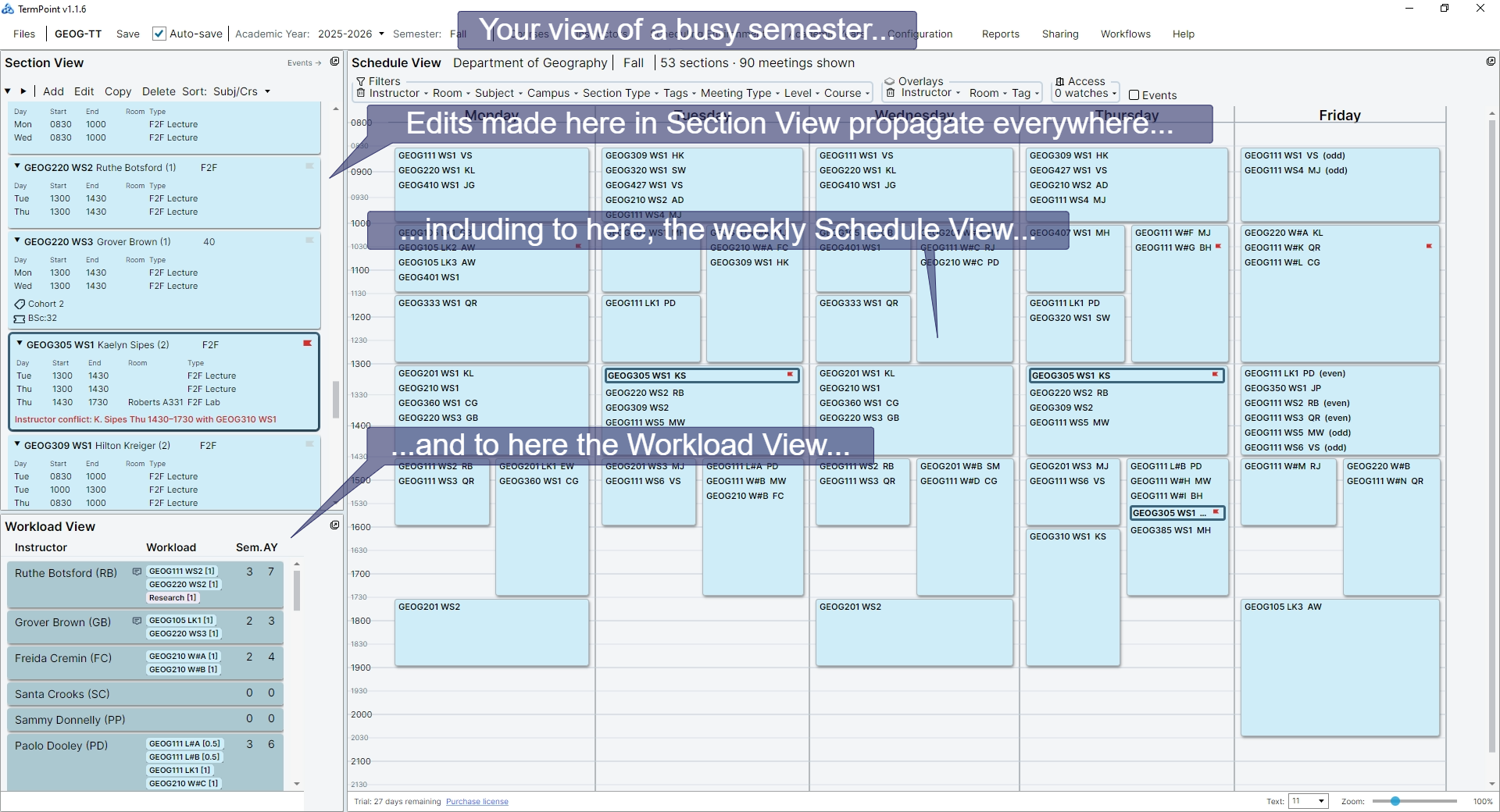
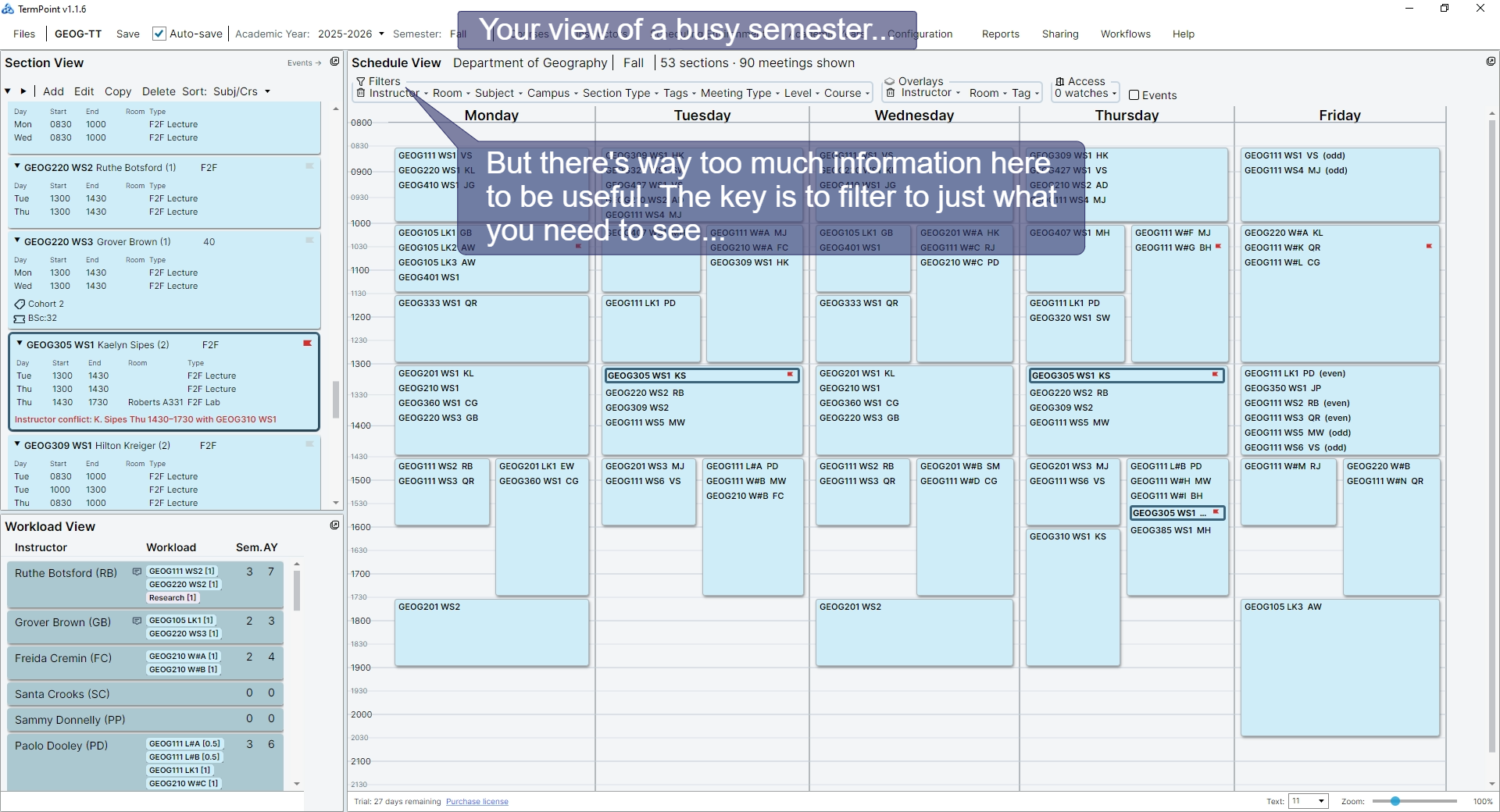
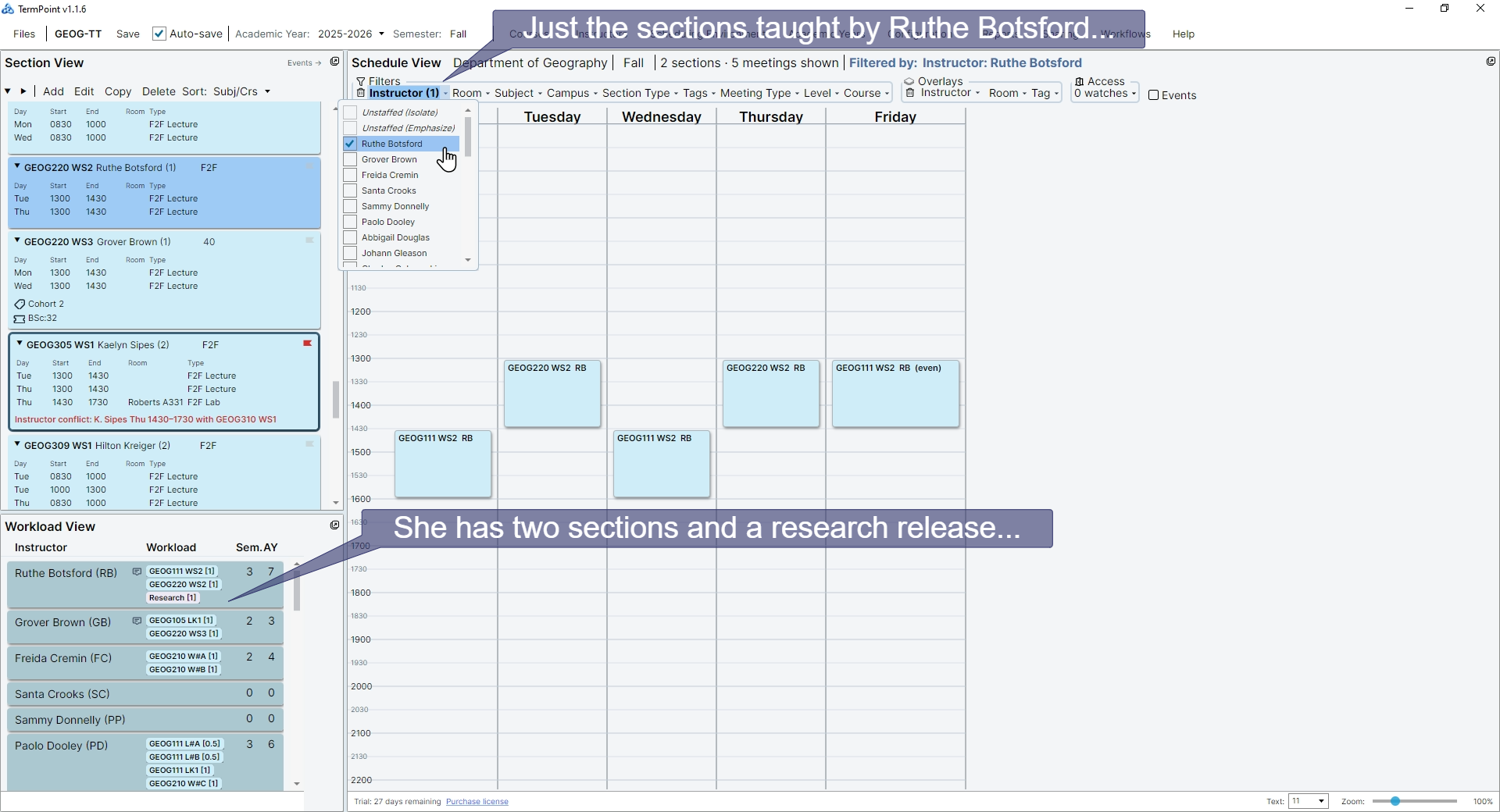
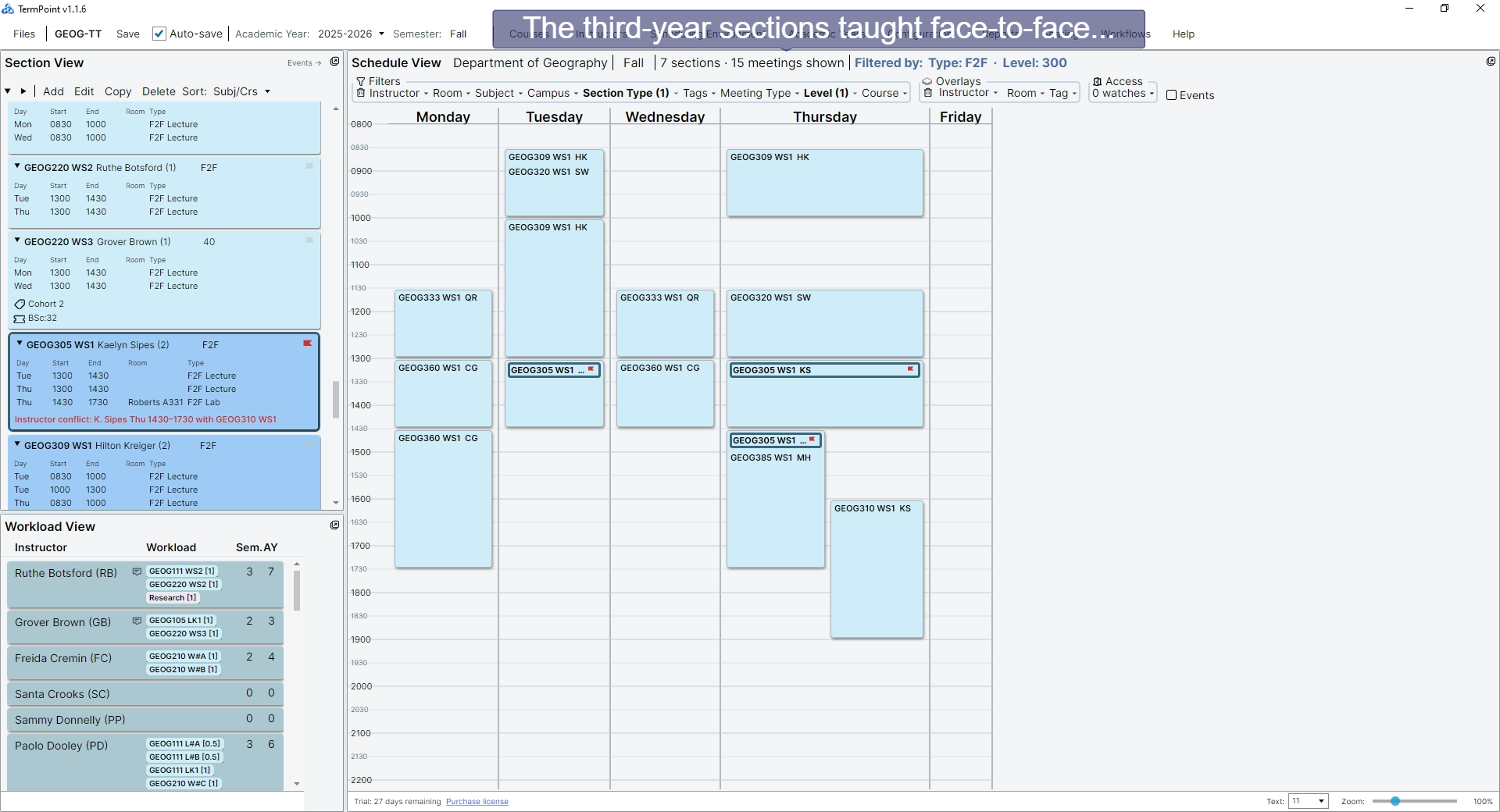
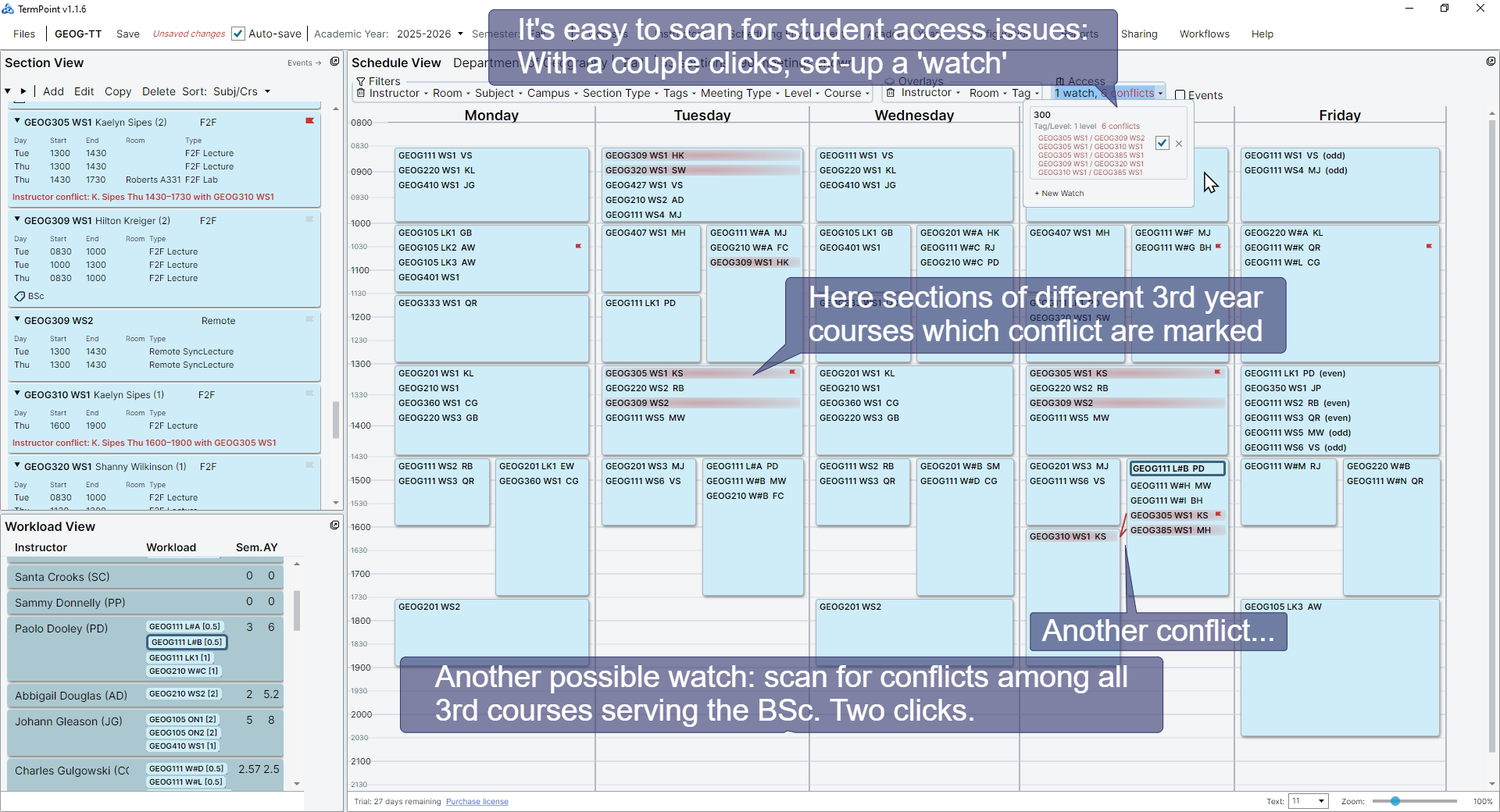
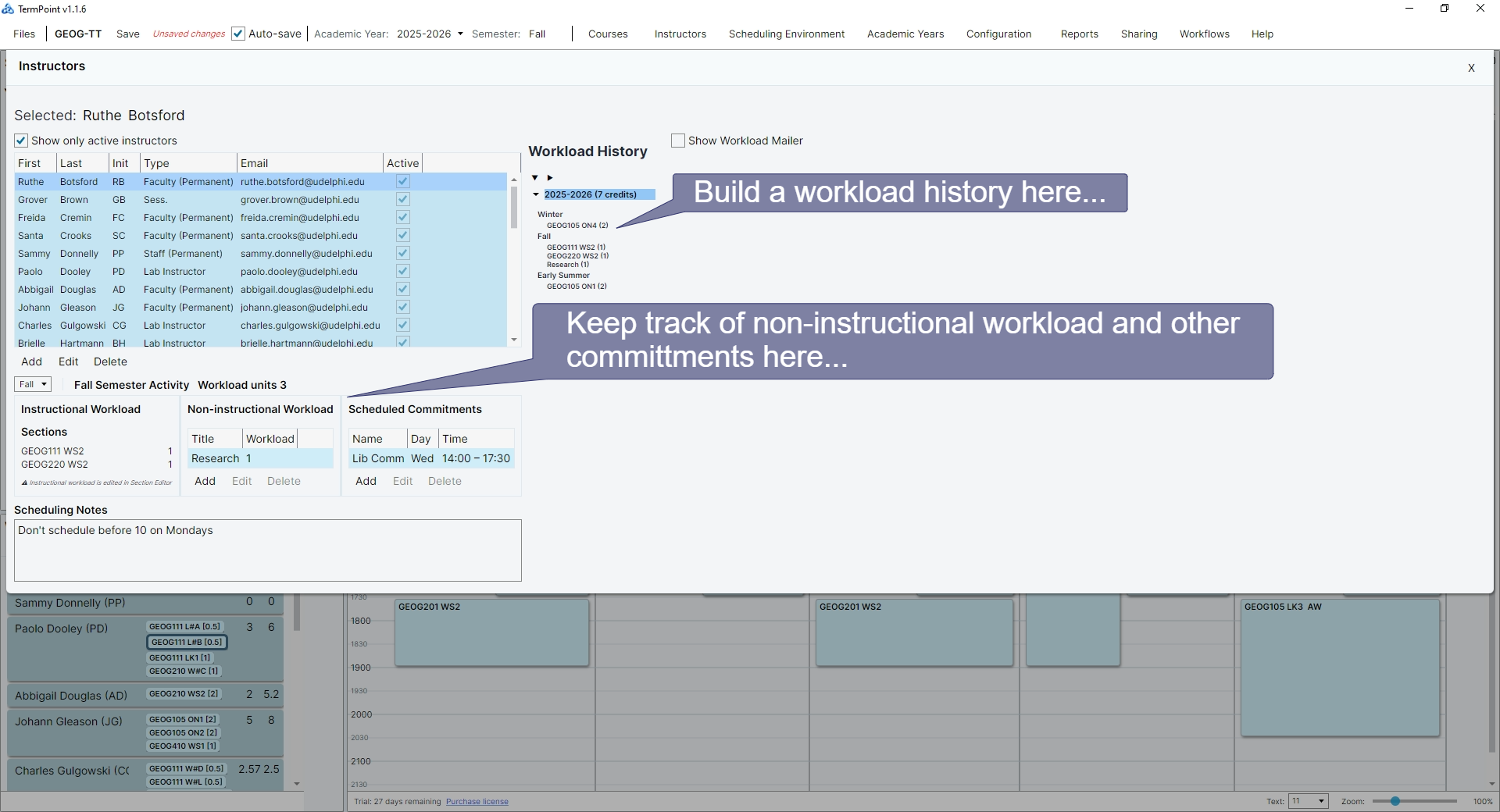
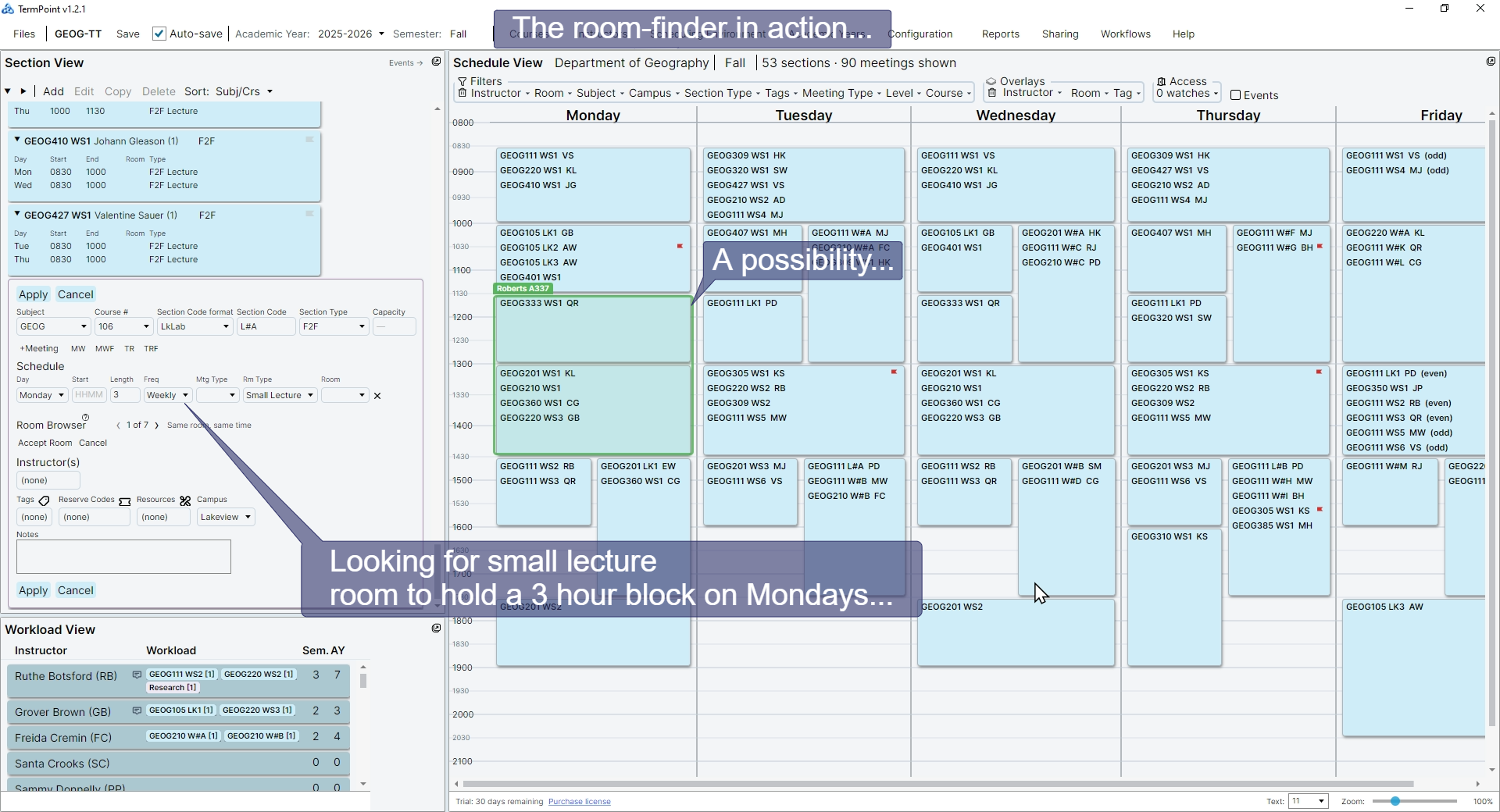
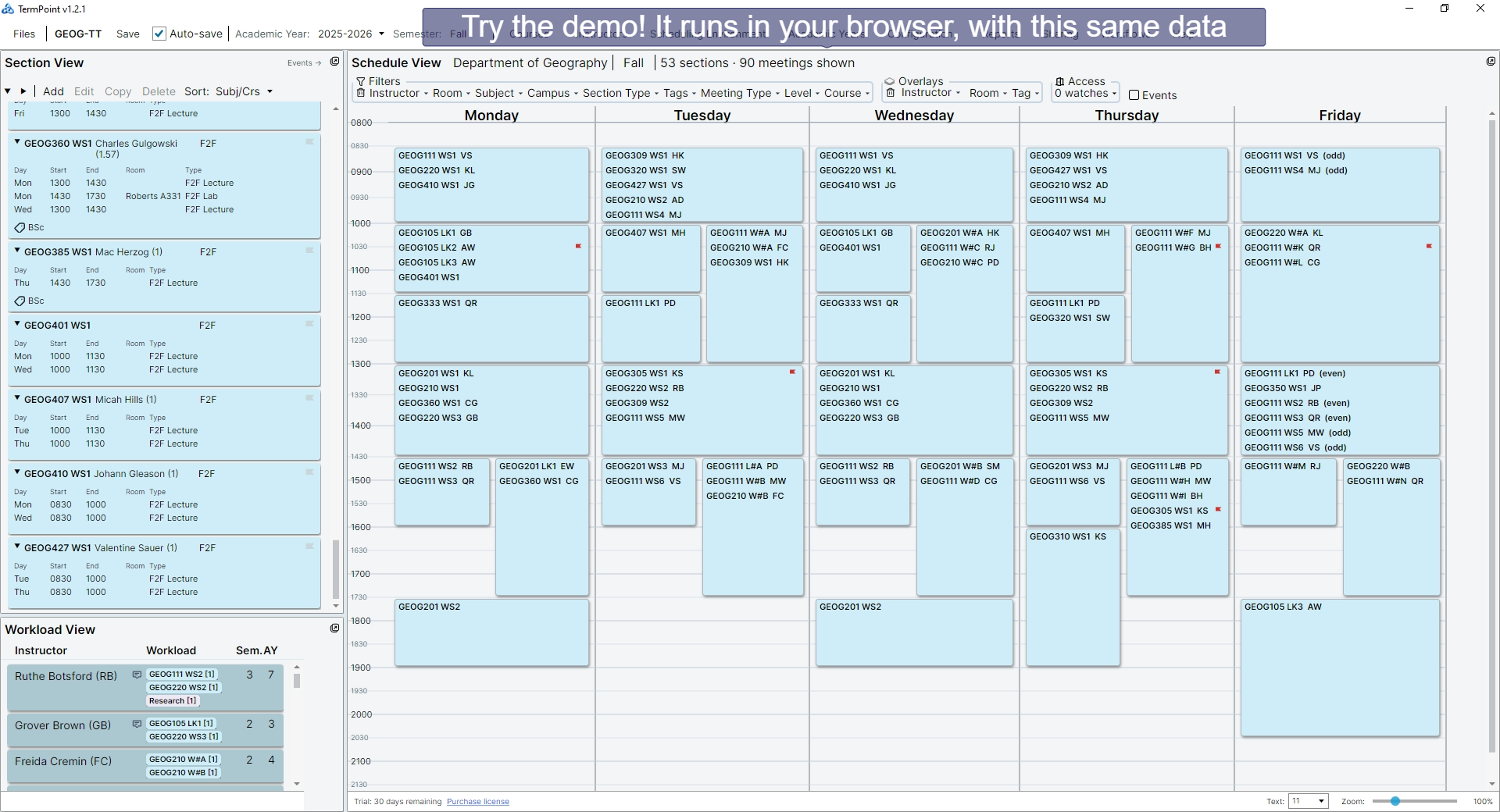
TermPoint gives schedulers a workspace that replaces tangled spreadsheets with views that stay in sync. See just the information you need, without visual clutter. Edit once, confident that everything is kept up-to-date and error-free.

Designed for department-level scheduling, it puts powerful visualization tools directly in the hands of the people closest to the schedule. You still make the decisions, TermPoint just makes them easier.

TermPoint — Fall 2025 Schedule
Full timetable view
Full timetable view
Full timetable view
Full timetable view
Full timetable view
Full timetable view
Full timetable view
Full timetable view
Full timetable view
Full timetable view
Full timetable view
Full timetable view
Full timetable view
Final
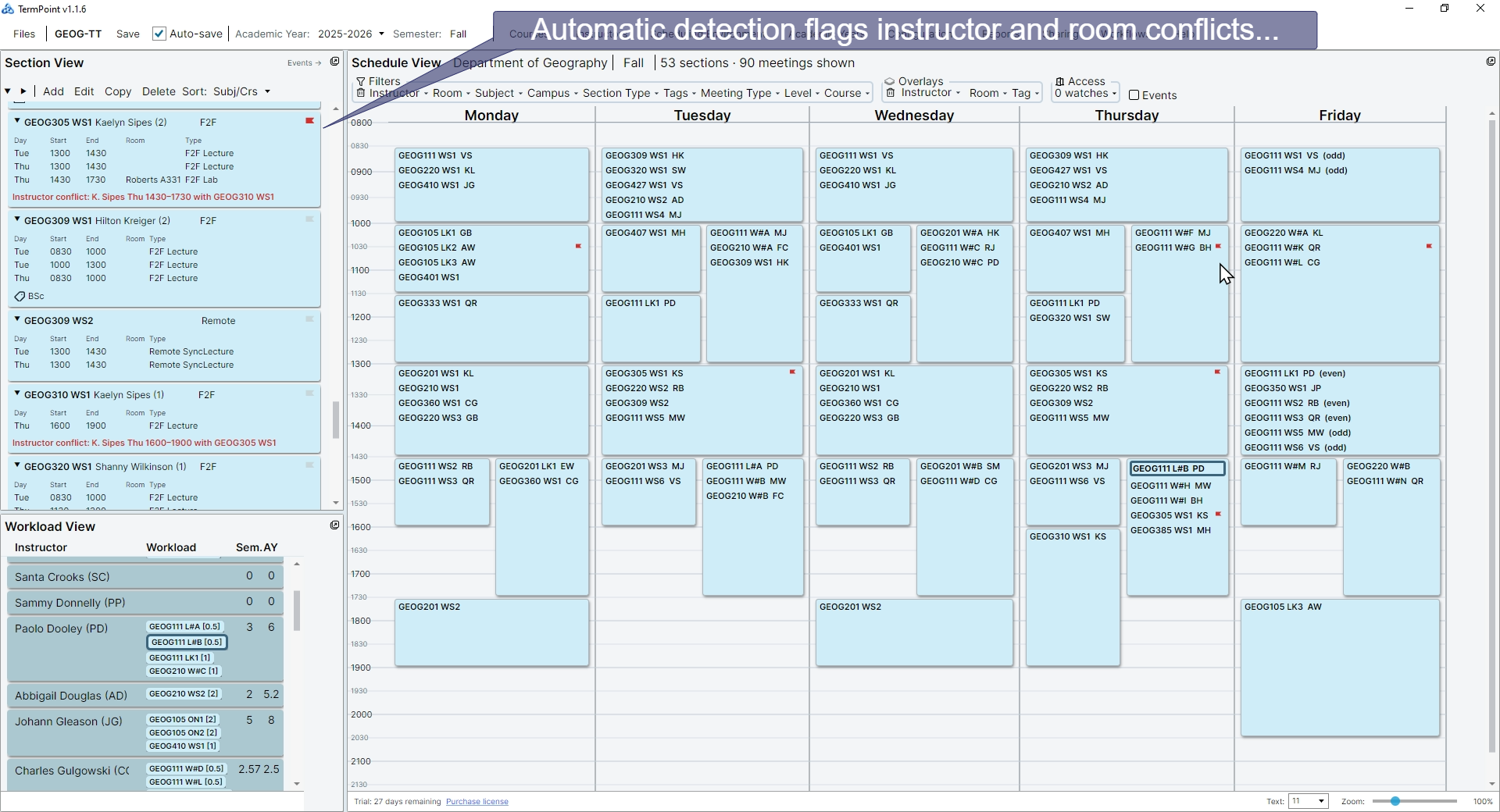
1 / 7 The full timetable grid — every section, every day, one view.
Try an online demo (runs in your browser, no installation needed)
The Problem

Spreadsheets were never built for scheduling.

📋

One sheet, total overload

Cram every section onto a single sheet and it becomes a wall of data. Finding what you need means scrolling, squinting, and hoping you don't miss a conflict.

🔀

Many sheets, no coordination

Split by instructor or program and things look cleaner — until you change a room in one tab and forget to update two others. Sheets don't talk to each other readily.

⚠️

Errors you find too late

Double-booked rooms, overloaded instructors, time-slot collisions — in a spreadsheet, these stay invisible until someone complains or the registrar catches them. Then it's an afternoon of panicked emails...

Spreadsheets work for small departments (until they don't.) On the other hand, large centralized timetabling systems are not designed to support you in decision making. TermPoint fills the gap.

How TermPoint Works
01

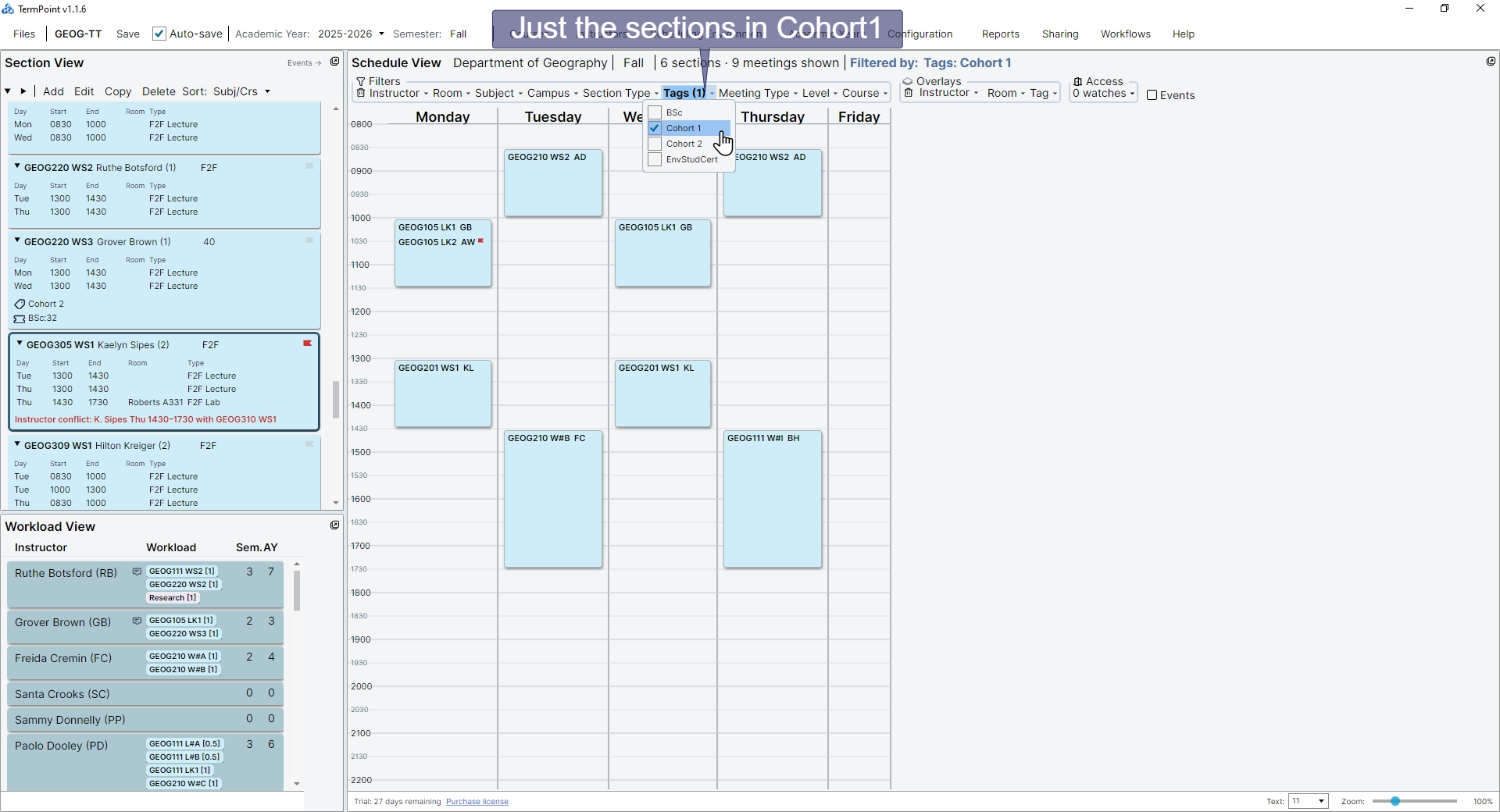
Filter to what matters right now

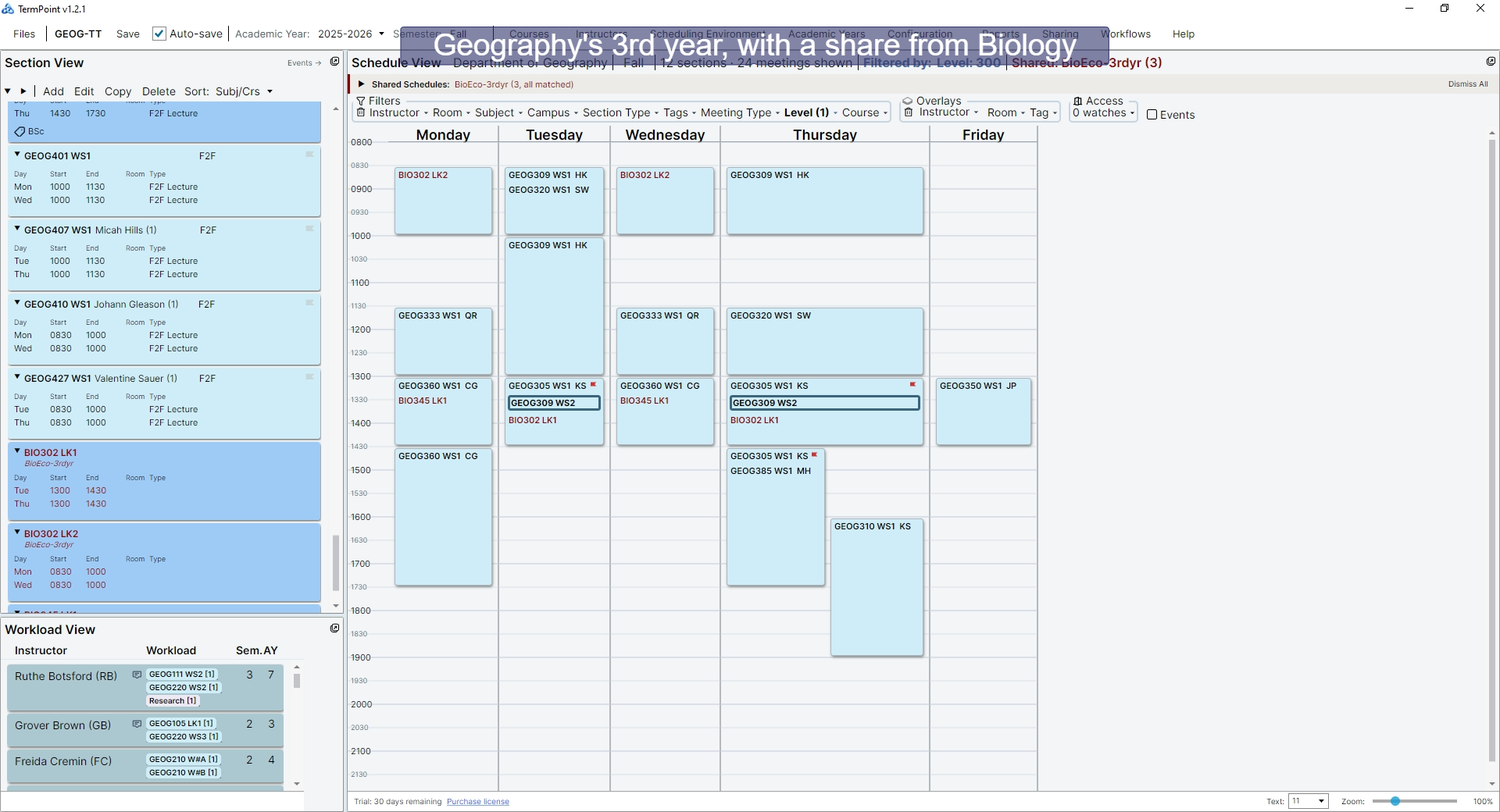
View your schedule by instructor, by room, by day, by program — or any combination. TermPoint shows you exactly the slice you need and hides the clutter. Switch views instantly without losing context.

02

One change, every view updated

Move a section to a different time and the room view, instructor view, program view all update together. No cross-referencing tabs. No copy-paste errors. One source of truth.

03

Conflicts surface, not hide

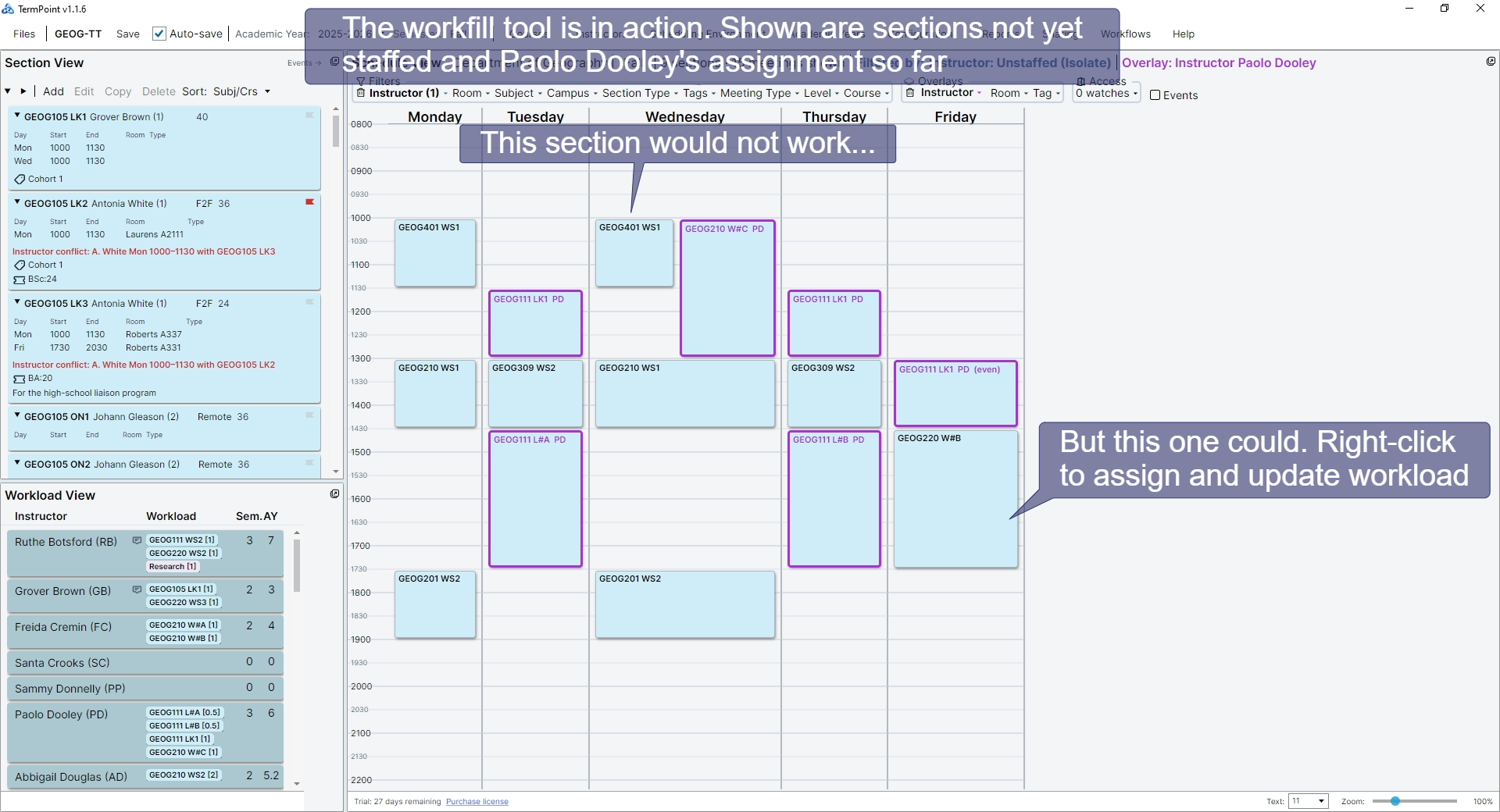
Room collisions, instructor overlaps, and workload imbalances are flagged the moment they happen — not after the schedule goes to the registrar. Problems are visible, not buried in a cell somewhere.

Built for the people who actually build the schedule

🏫

Department Chairs

See your whole term at a glance. Balance workloads, honour preferences, and hand off a clean schedule to central.

📅

Departmental Schedulers

Stop maintaining parallel spreadsheets. TermPoint keeps rooms, instructors, and time slots coordinated in one place.

🎓

Program Coordinators

Filter to your program's courses and see exactly how they fit into the department picture without wading through the whole grid.

IT if necessary, but not necessarily IT

TermPoint runs on your desktop, and works with your existing workflow — no centralized database or IT projects required. Installation happens just like any desktop application. (If your institution does not allow users to install software directly, you may need to ask IT to do that for you.)

Early-Access Program

TermPoint is currently inviting participants to an early-access program. Members receive free access (in perpetuity) while helping us validate real-world scheduling workflows. Contact us using the form below. If you just wish to express interest or have questions, make use of the same form.

Early Access